Once you send an email to csc@gov.ky requesting a LinkedIn Learning Account, you'll receive an email notification inviting you to activate your Learning account.
Tip: Check your spam and junk folders
To access Learning, open the email and click the Activate your account button. You’ll be taken to LinkedIn Learning, where you can view thousands of courses on business, tech, and creative topics.
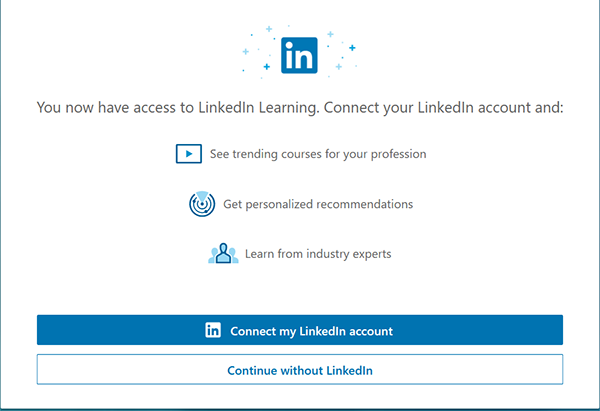
The Cayman Islands Government allows you to link the Learning license to your personal LinkedIn profile, you’ll receive a LinkedIn notification for activating your Learning account. You can access LinkedIn Learning directly from your personal LinkedIn account after activation. In this case, your Learning password will be the same as your LinkedIn password.
You'll know that your account has been activated when you see the Cayman Islands Coat of Arms at the top of your page.
Notes:
-
By using a license provided by your organization, your organization can access your Learning activity on your organization’s license.
-
If you link your personal profile to your organization’s learning license, your organization can access some of your profile information.
-
If you choose not to link your personal profile to your organization’s Learning license, and your organization requires linking, you’ll not have access to your organization’s license.
-
You can update your preferences at any time by visiting your settings page.
Related to:
0
0
Was this article helpful?
0 out of 0 found this helpful
Articles in this section
- CSC Online: How to View Live Learning Session Details
- CSC Online: How to Unenrol from a Course
- CSC Online: Retrieving/Downloading Certificates
- UPDATED: Child Safeguarding Workshop Guidance
- 2025 Cascaded Objectives - Mandatory Training: ABH&D and Cyber Security
- CSC Online: How To Login
- CSC Online: Frequently Asked Questions (FAQs)
- CSC Online - Instructor: Live Learning - Waitlist
- CSC Online - Instructor: Live Learning - Event Overbook
- LinkedIn: Connecting your LinkedIn profile to your Learning account